Minute24

Demo Minute24 On Your Computer

No Android tablet? No problem. Use BlueStacks — the #1 Android emulator — to get the full Minute24 experience on Windows, Mac, or in your browser.

Precision Control, Desktop Power.

Minute24 is designed for Android tablets, but you can run the exact same app on any computer using BlueStacks.

Perfect for:

NO Android Tablet?

Download Bluestack on your PC or Mac and try minute24 on your computer, before you buy a tablet!
The full-performance experience. Best for dedicated kitchen monitors and workstations.

01

SYSTEM REQUIREMENTS

Windows 10/11 or macOS, 8GB RAM, SSD.

02

INSTALLATION

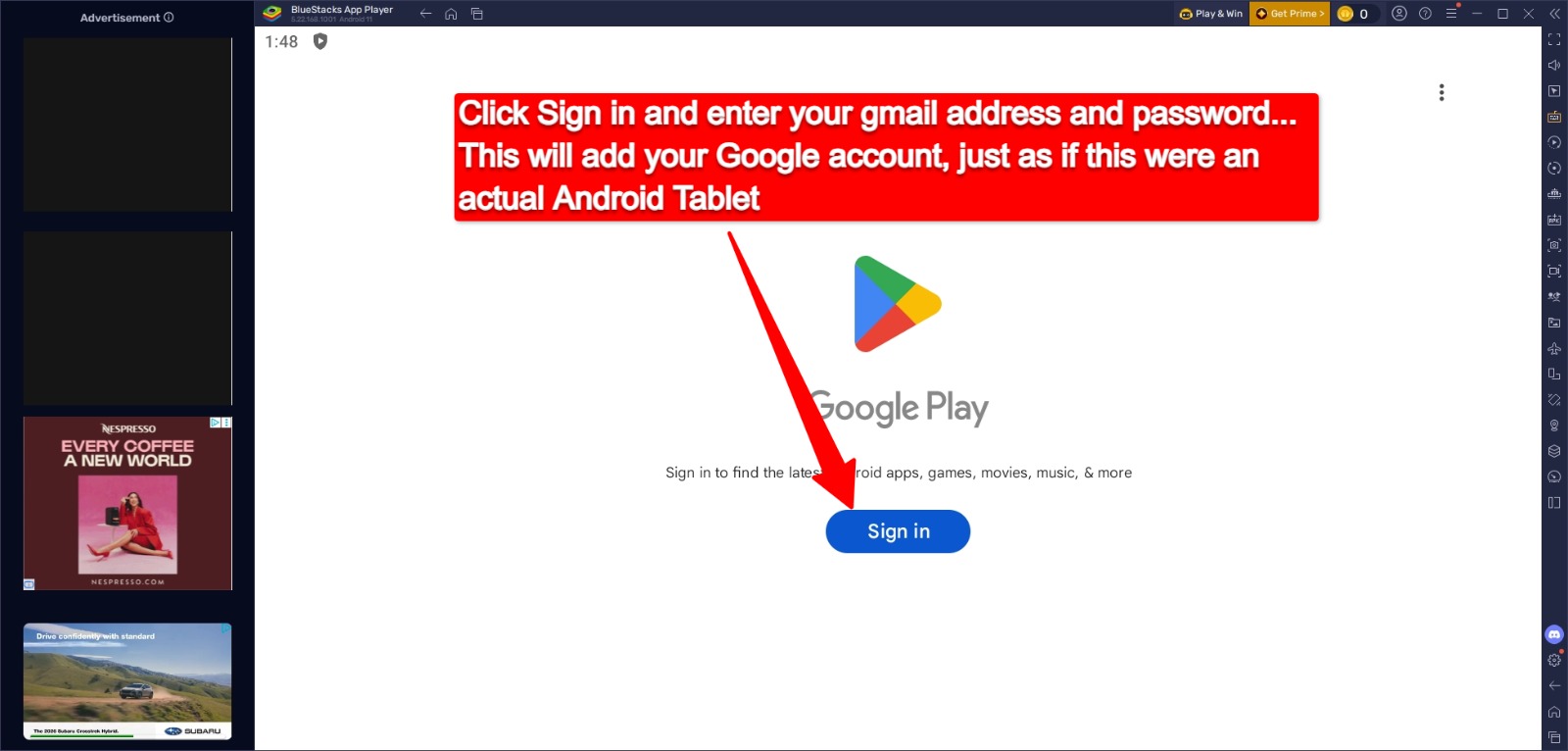
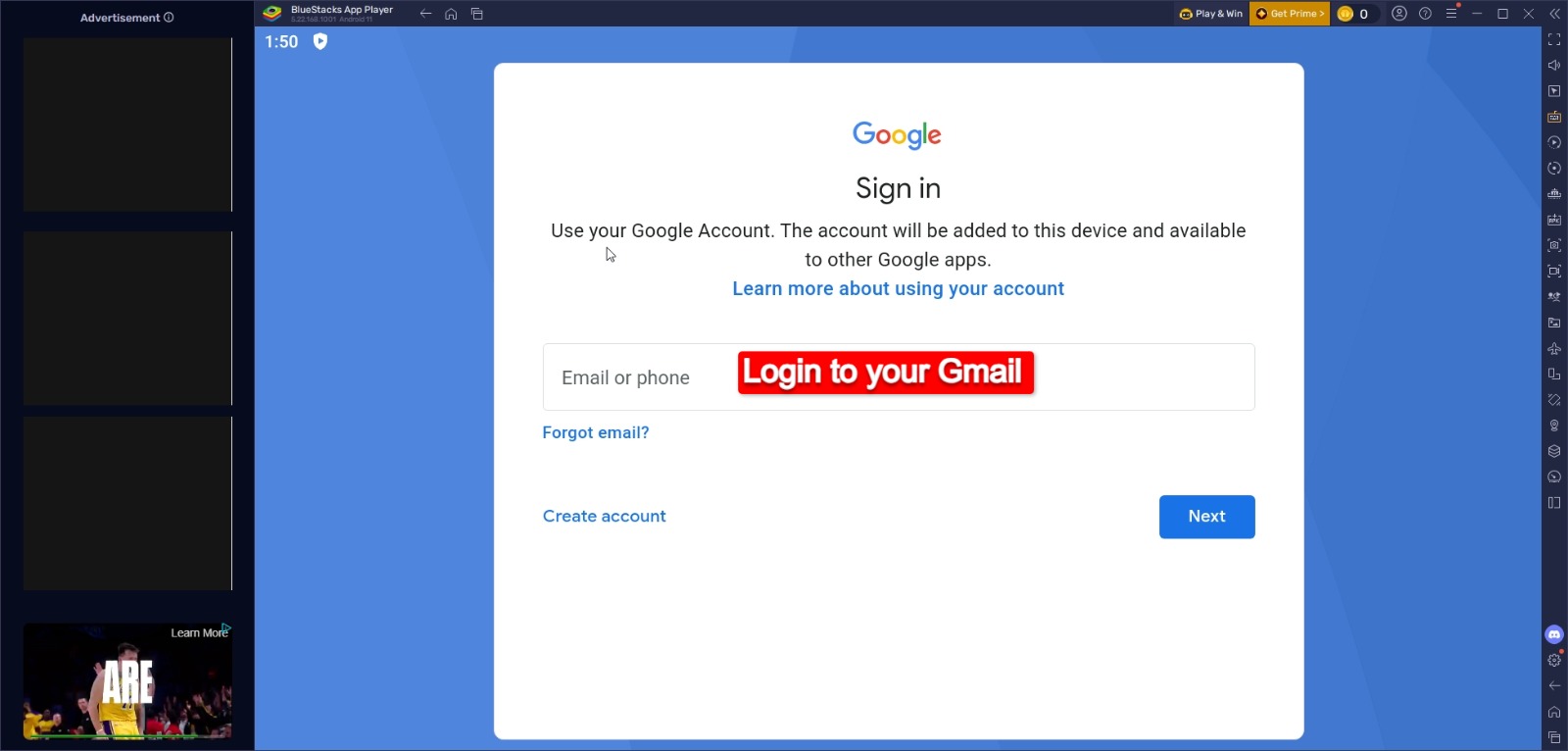
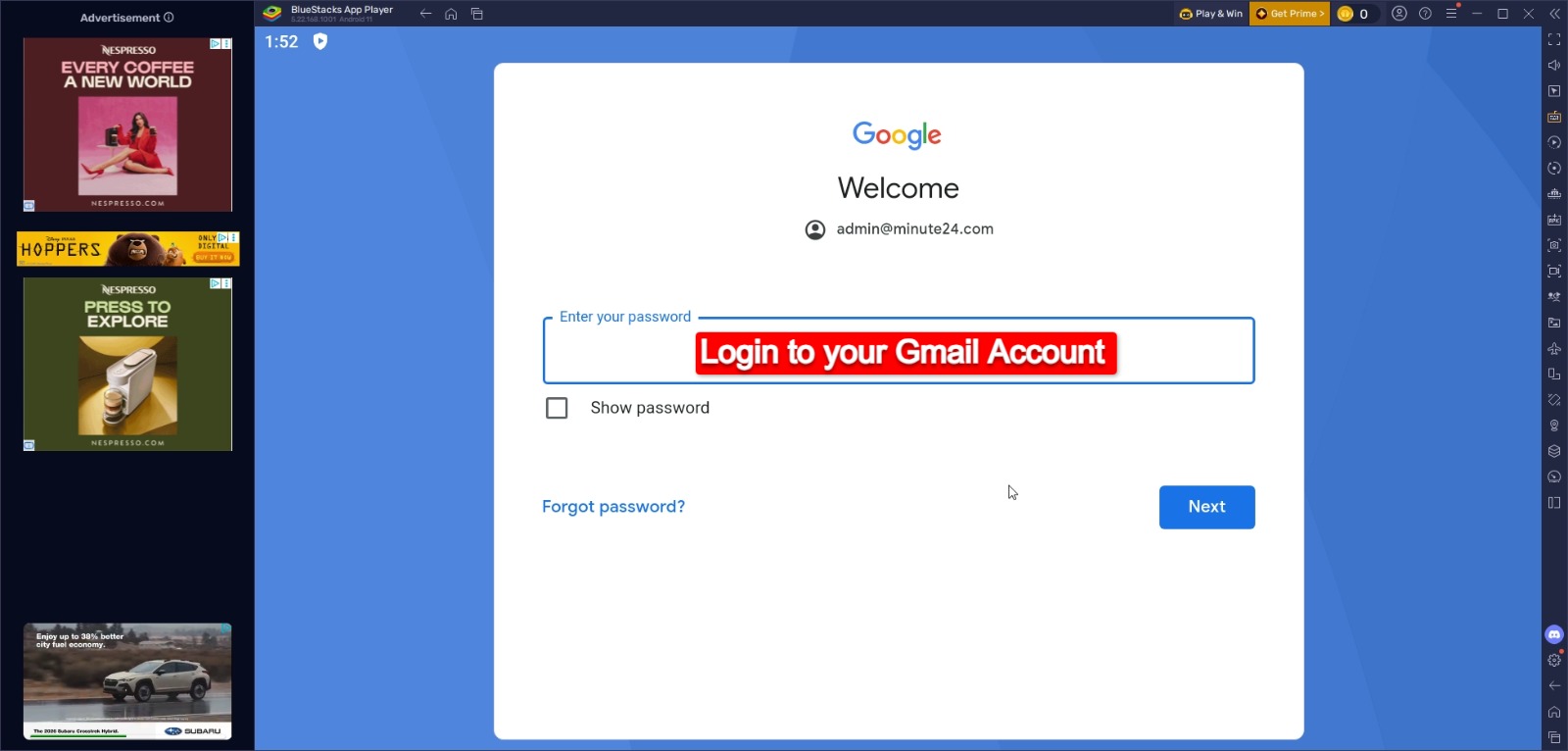
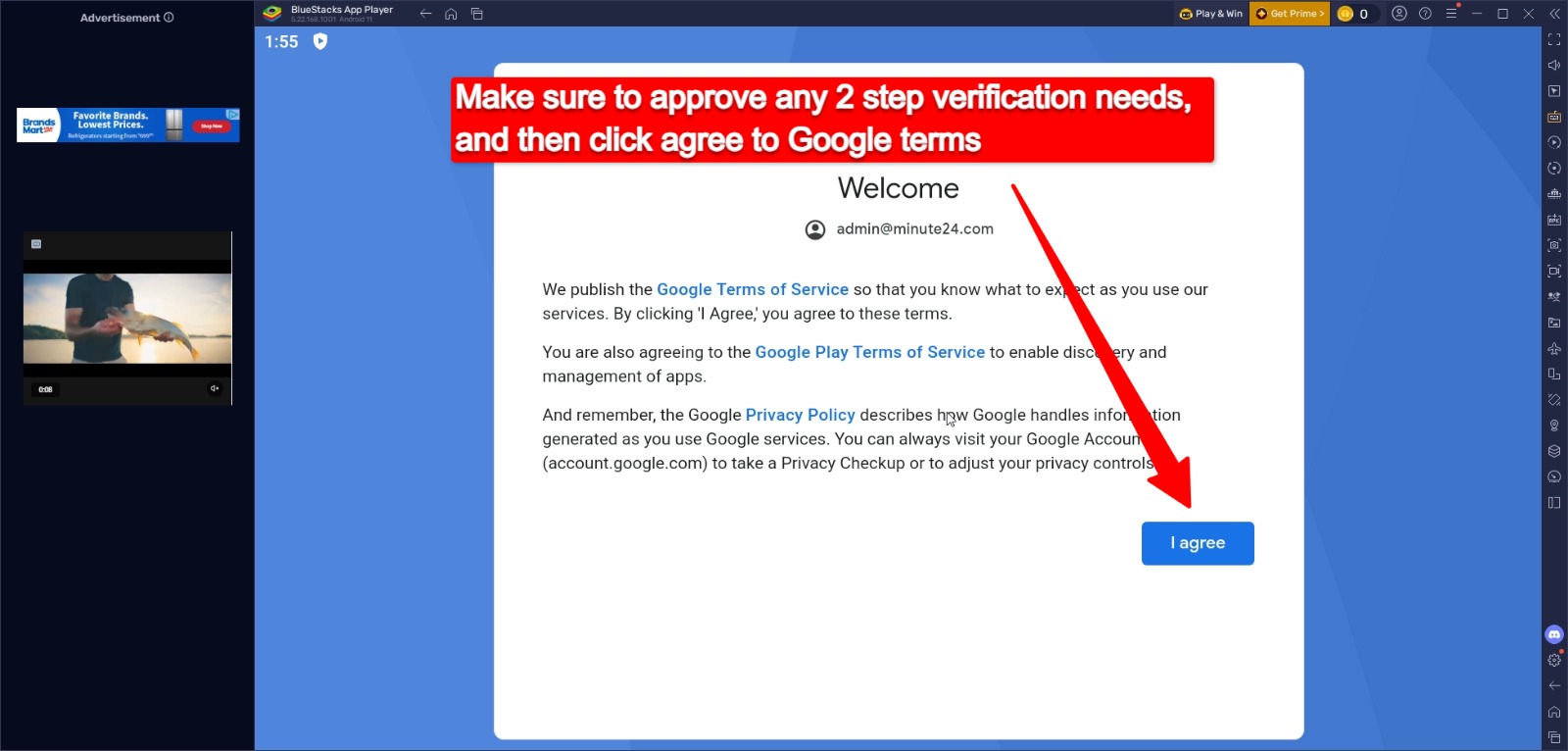
Download and run the installer. Sign in to Play Store.

Zero installation. Runs directly in Chrome, Safari, or iPadOS browsers.

01

BROWSER COMPATIBILITY

Optimized for iPad Safari and Chrome Desktop.

02

QUICK LAUNCH

Download and run the installer. Sign in to Play Store.

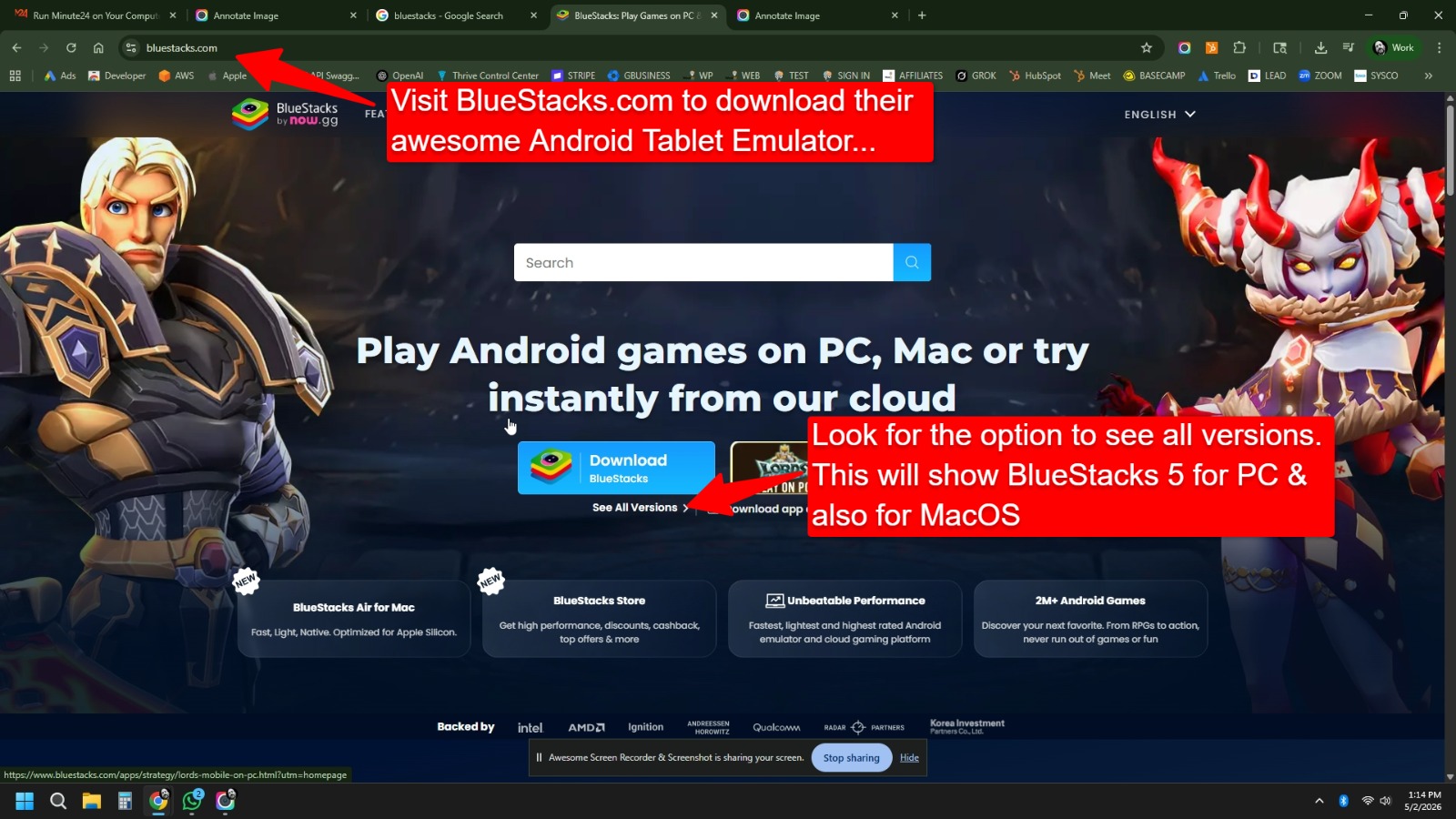
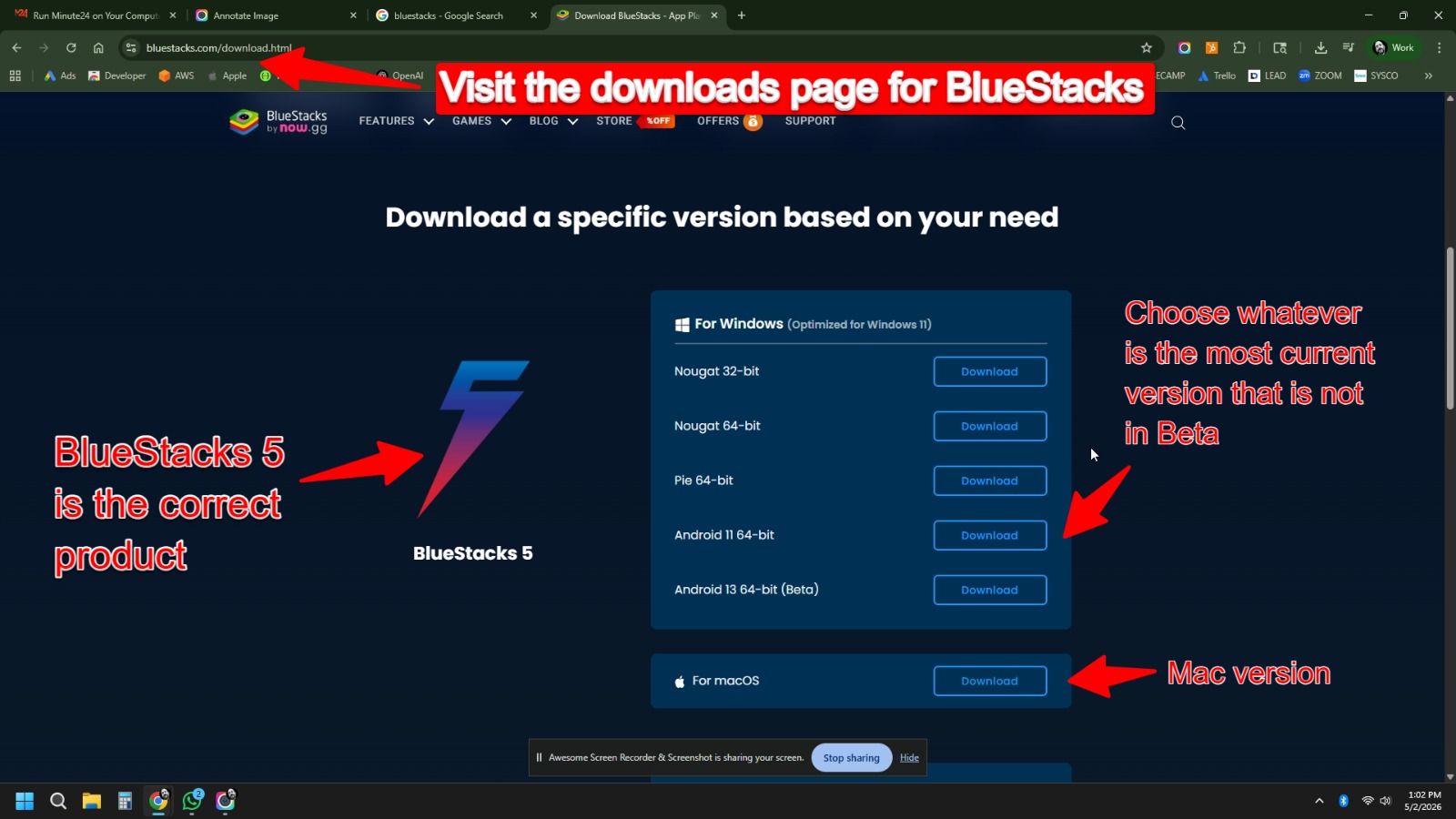
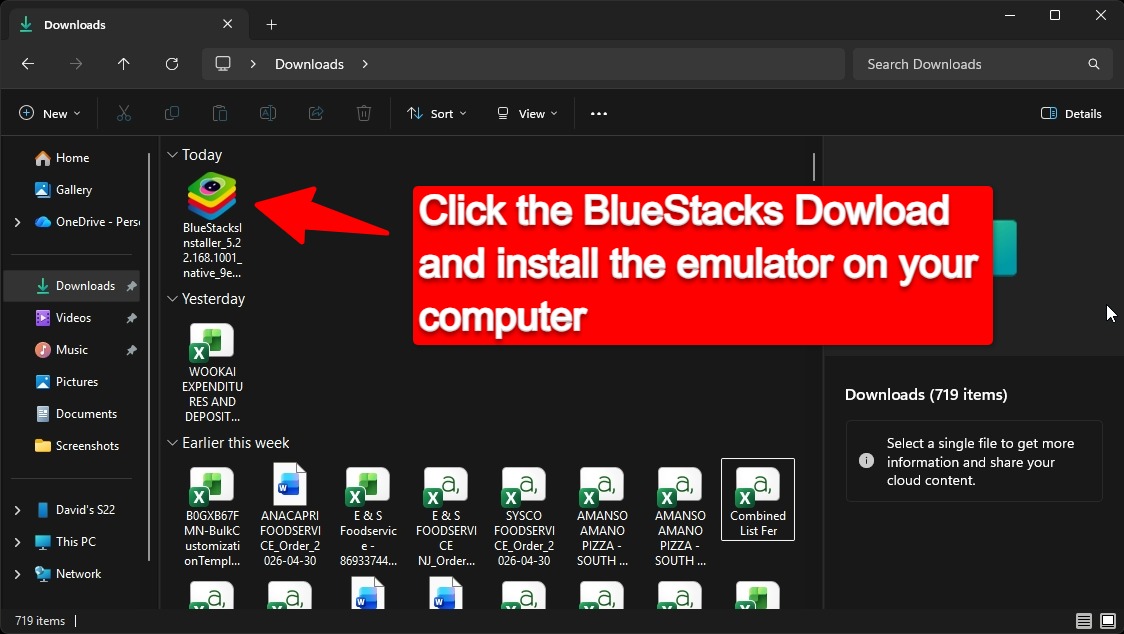
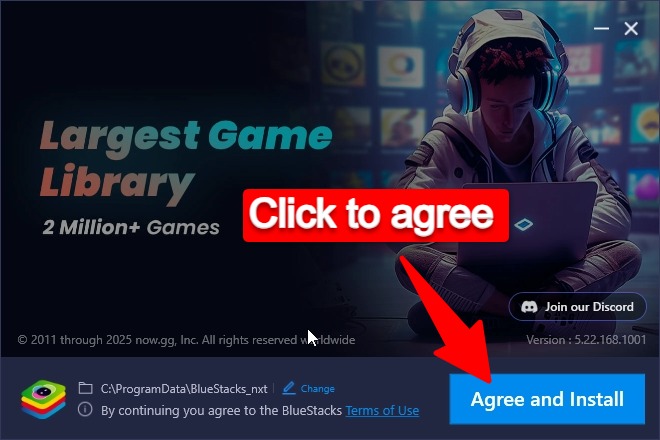
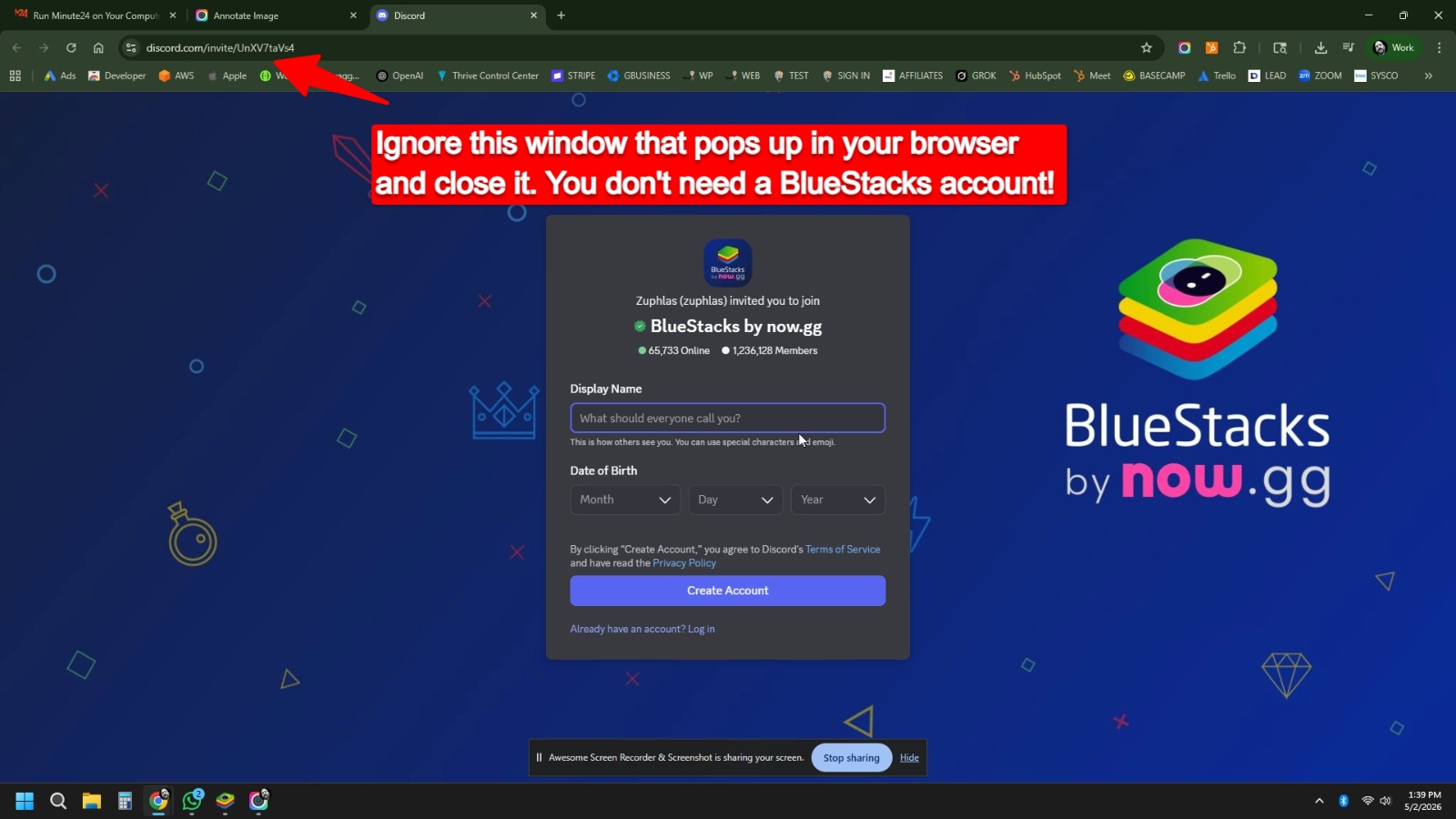
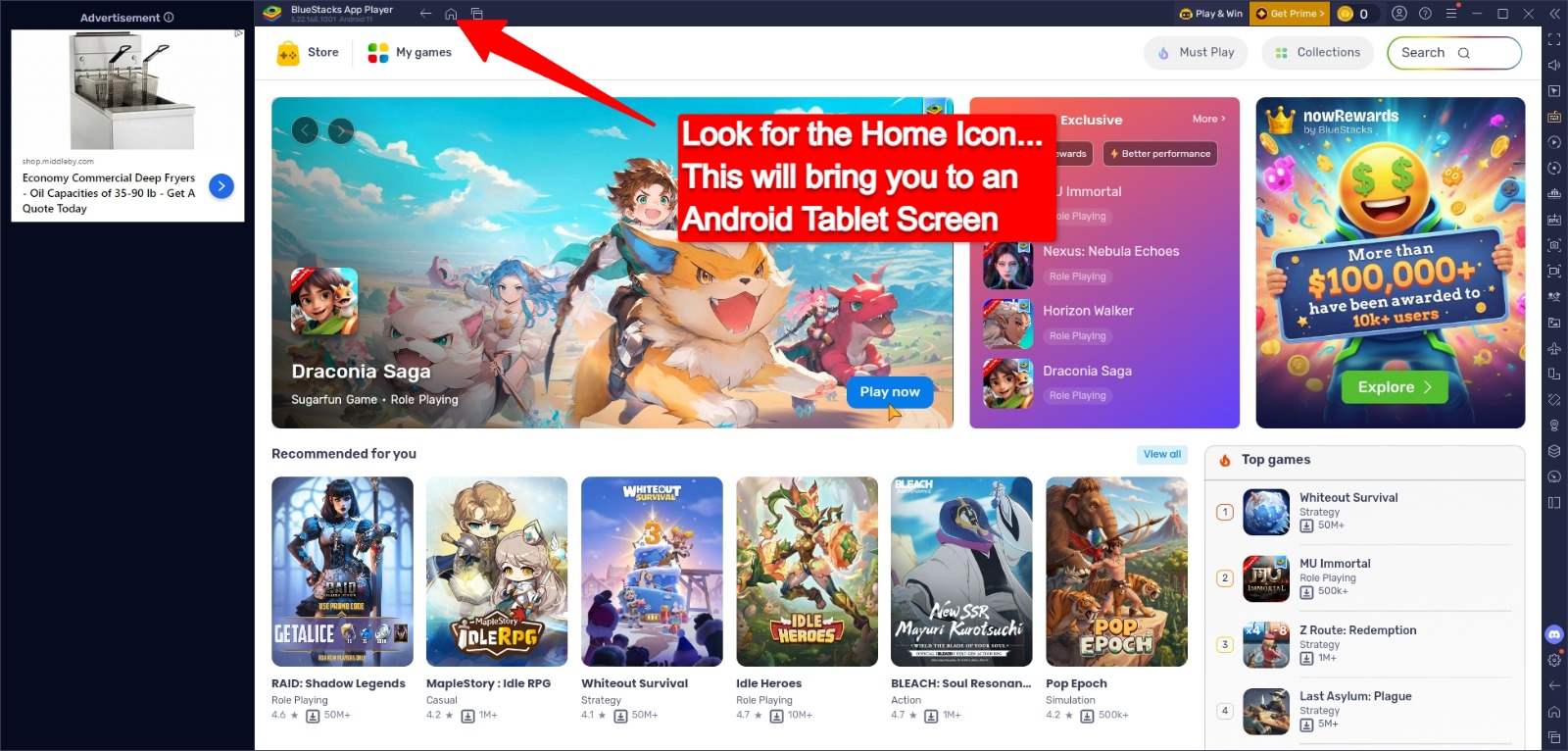
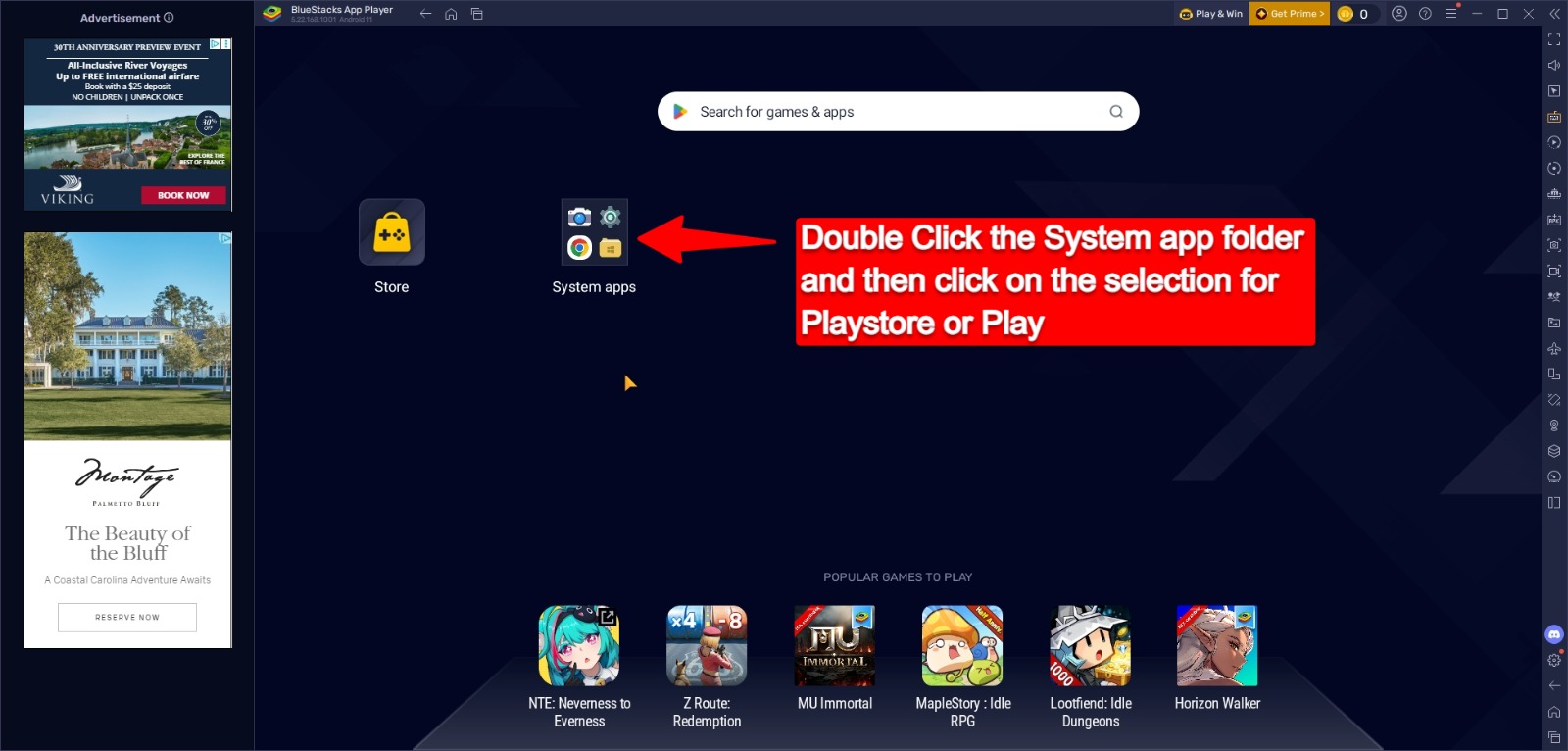
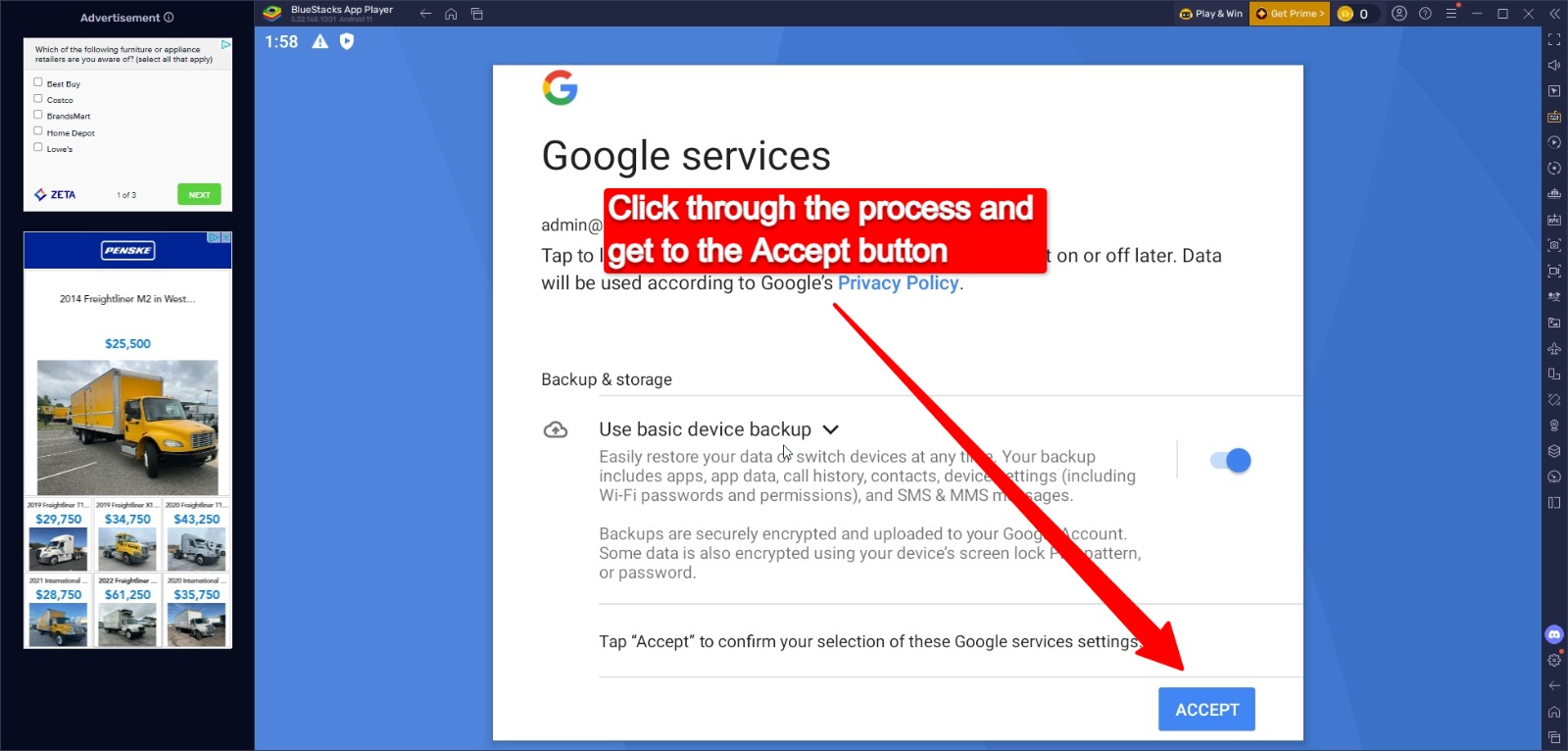
Steps To Download the Bluestacks

Follow the step by step screenshots to download the bluestacks

Ready to get started?

Download BlueStacks now and run Minute24 in under 5 minutes.